Upscale & Resize
Make an image sharper, or change its size.
Add an image first: drop a file, or use Try a sample.
Failed results are refunded automatically. Everything you make is saved in Assets too.
Make any picture sharper, or a new size
Drop in an image, choose the size and resolution, press Generate.
- Select a file or drag it herePNG, JPG or WebPDrop in an image
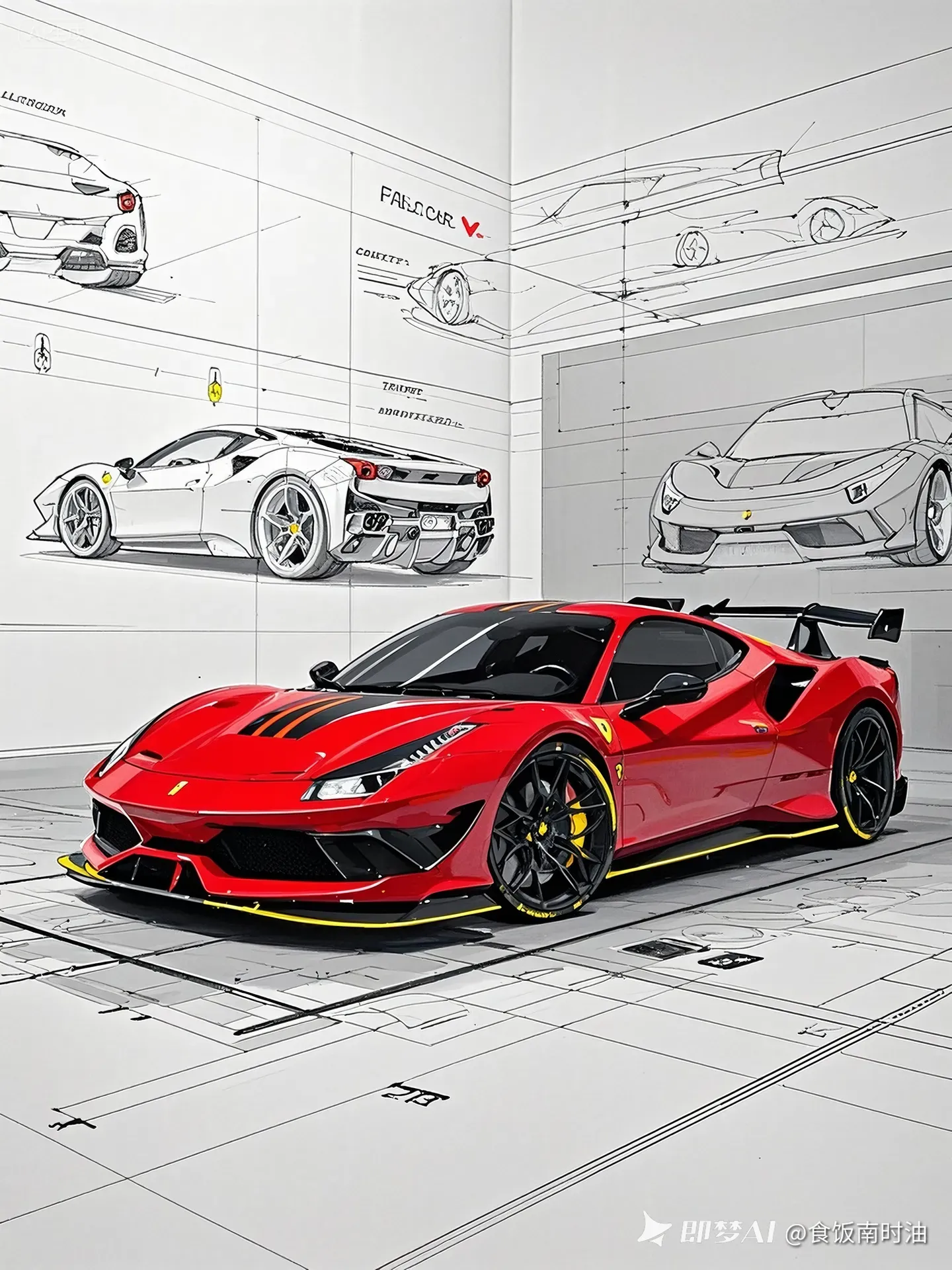
A photo, a sketch or a product shot.
- Choose size and resolutionDefault16:91:19:16PNGImage 4K
Keep the shape, or crop it to a ratio.
- Get a sharper file
2K or 4K, ready to download.
Fills in a sample. Nothing runs until you press Generate.
Image reference
Drag the edges to make the canvas bigger. Your Creative Prompt describes what fills the new space.
Working on it… usually under a minute.
BeforeAfter